Adoption & Usage
I planned and conducted an in-app research study to examine users' attitudes towards the recently launched AI features, specifically assessing their perceived ease of use, accuracy, and effectiveness. By carefully analyzing the response data, I compiled a comprehensive report with actionable recommendations.
Design Direction
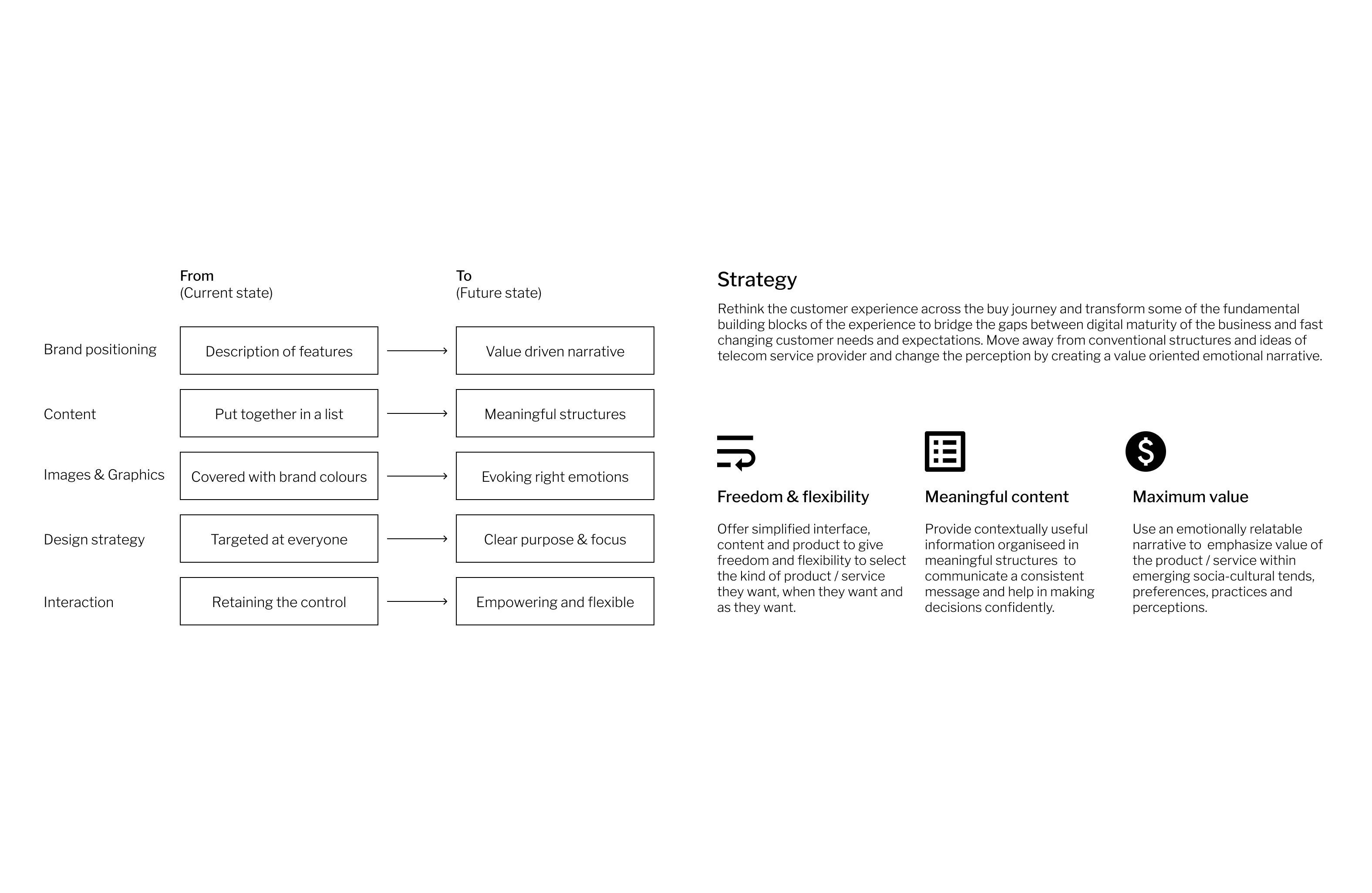
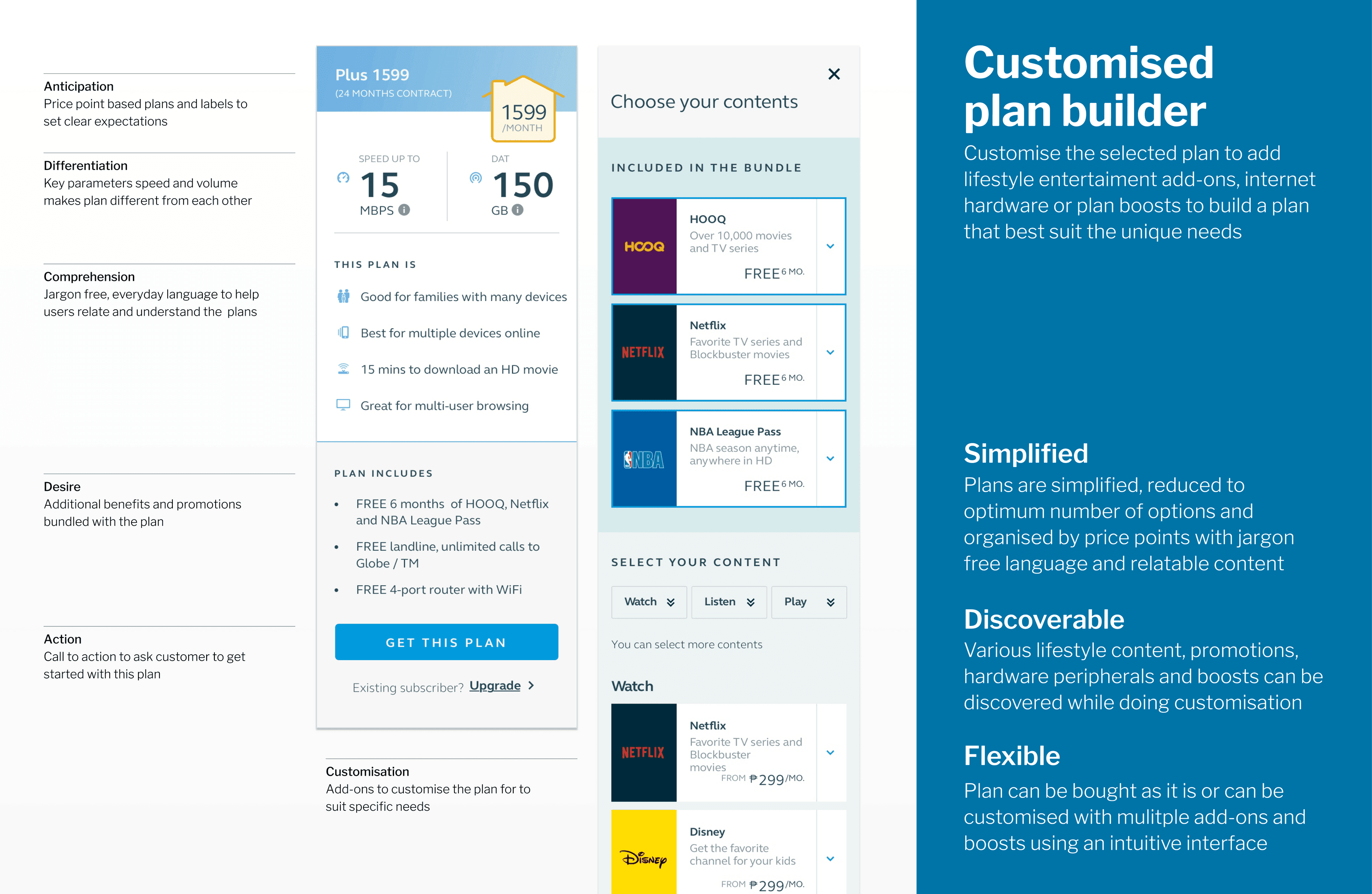
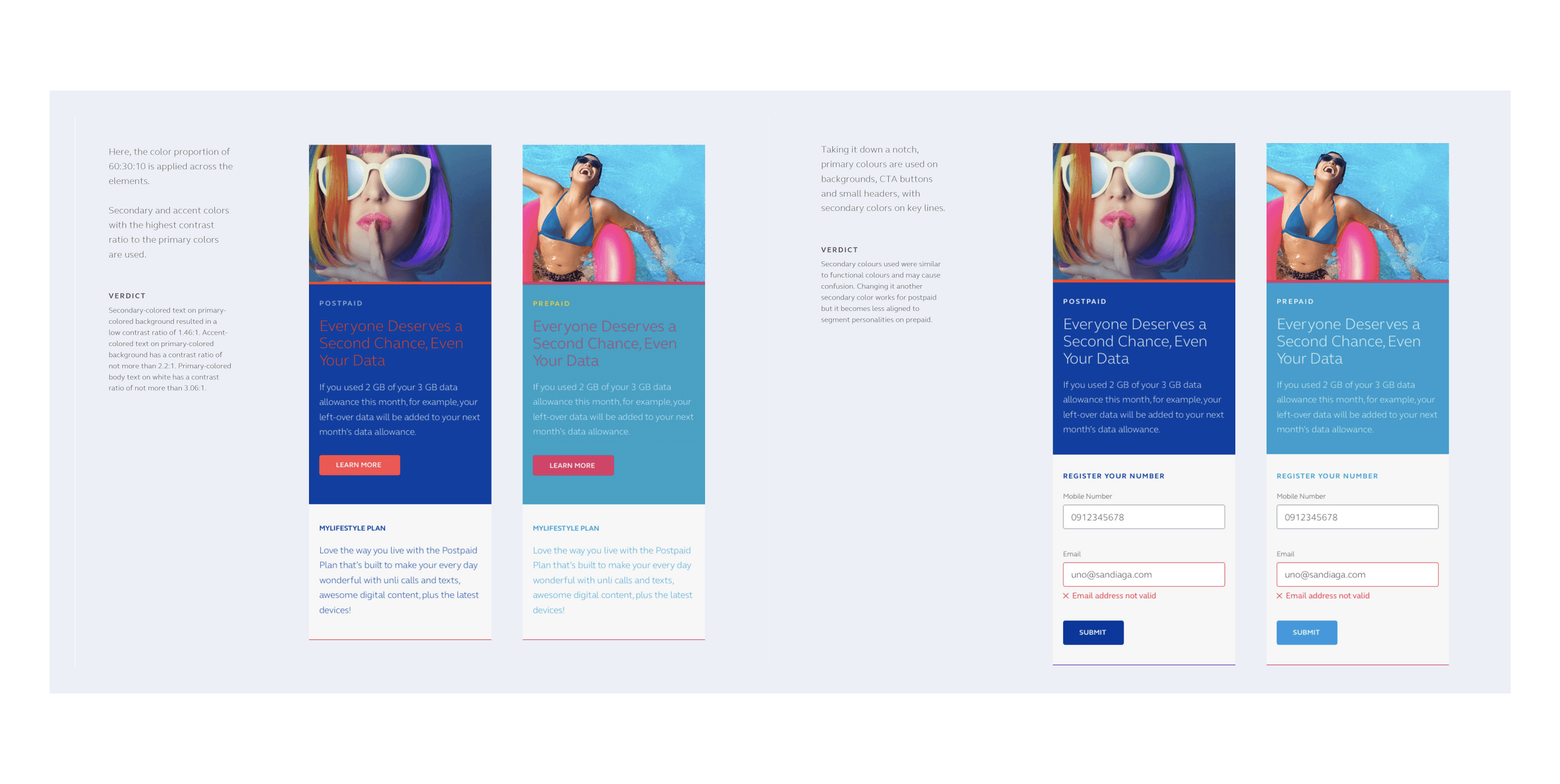
Reimagine customer interactions for better engagement, conversions & acquisition
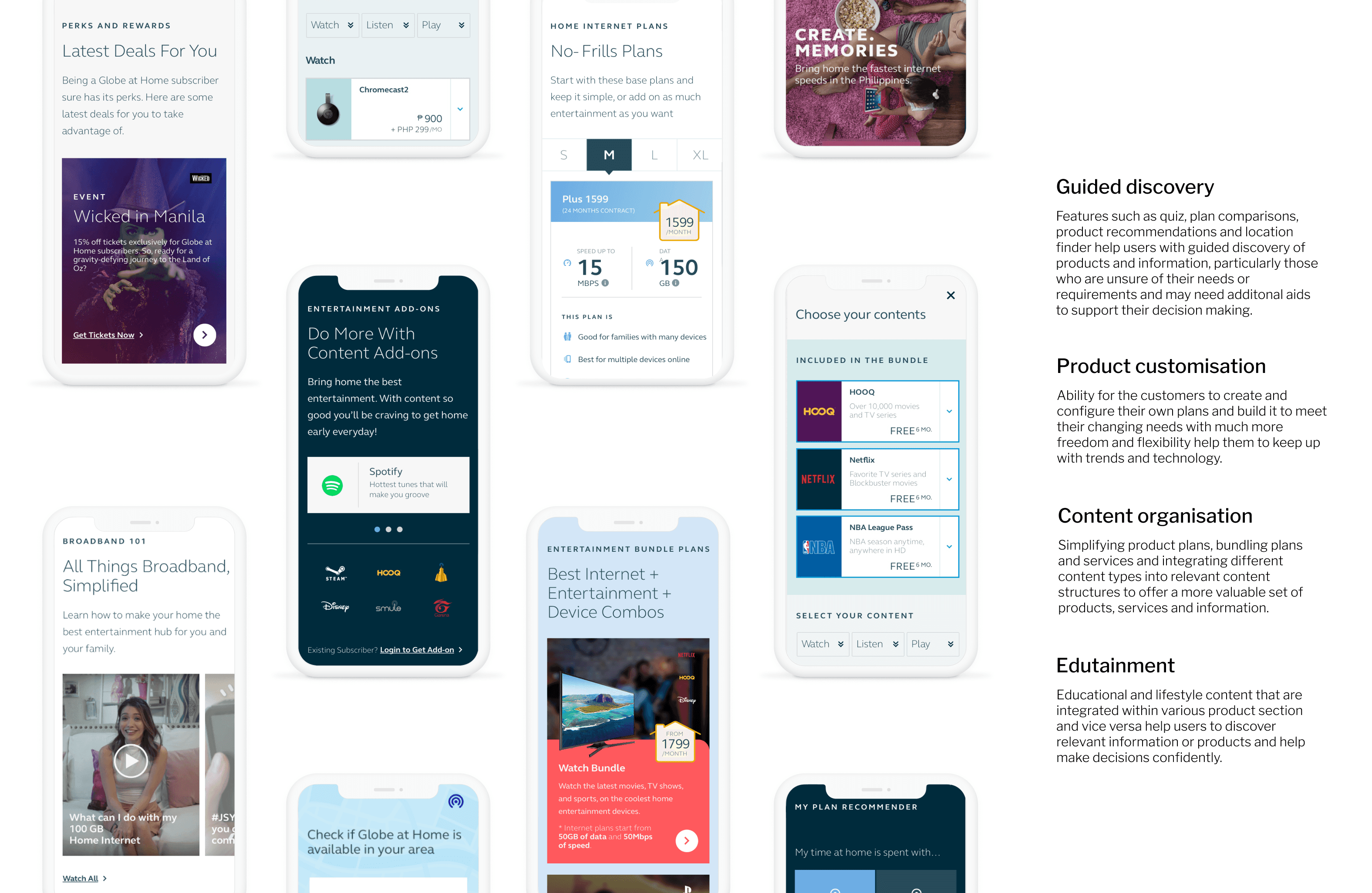
As senior UX consultant, I worked in design sprints to explore, develop and test various ideas for guided discovery, product customization and customer engagement as part of the responsive web solution for customer portal.I managed stakeholders, translated requirements into design artefacts such as flows, wireframes, prototypes, UI and created responsive web solution supporting emerging user behaviors & needs.
Context
Action
Design Direction
We wanted to improve the experience by identifying drivers of satisfaction or dissatisfaction and prioritize improvements.
The Apple App store "app of the year" with millions of active users was the first to introduce AI features for handwriting. Venturing into unchartered territory required proactive and diligent monitoring of user sentiment to enable quick adjustments.
The business objective was to understand the factors influencing user satisfaction or dissatifaction so that we could identify and priortize areas for improvements.
Research Objectives
Identify general users’ attitudes towards AI features in terms of perceived ease of use, accuracy, and effectiveness.
Identify patterns in attitudes among different demographic segments.
Identify the top three reasons users disable AI features.
Research Questions
What is the level of user satisfaction with AI features after an extended trial period?
Which AI features are rated the highest and lowest in terms of perceived ease of use, accuracy, and effectiveness?
What are the primary reasons users manually disable the AI features?
Which demographic segments tend to rate AI features positively or negatively?
Success metric
Identify general users’ attitudes on AI features: in terms of perceived ease of use, accuracy, and effectiveness
Identify patterns between demographic segments with the above attitudes
Identify the top 3 reasons users turn off AANT features
Target Audience
We targeted a mix of active users and churned users based on well defined critieria.
Active and Churned Users
We used targeted survey to target users who have been using GN6 for over a week and have either actively used the feature or turned off the feature in recent days.
Key Respondents Criteria
User is a paid GN6 subscriber and has installed the app for over a week
User is engaged in using the app, and has used the AI features in the last 2 days
Approach
We used targeted survey to target users who have been using GN6 for over a week and have either actively used the feature or turned off the feature in recent days.
Audience was set in Firebase to set the Sprig feature flagSurvey was targeted at users across top 5 markets (US, DE, KR, TH and JP)
Survey was then triggered using Sprig for all the users that matched the given audience criteria.
Each survey had three key questions in the form of rating from 1 to 7.Questions were focused on three attributes: Ease of use, Accuracy and Effectiveness
Active Users
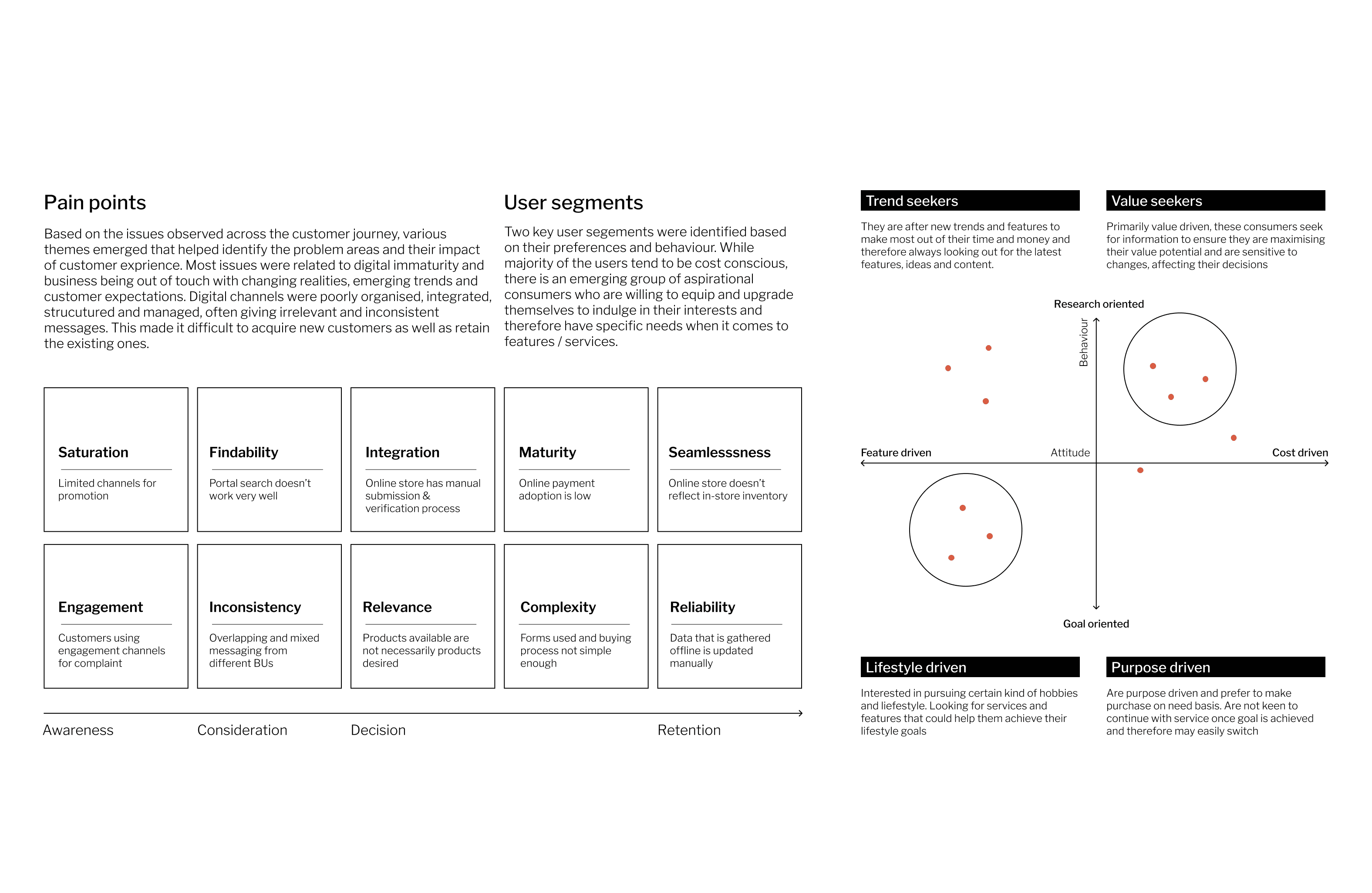
Active users use it frequently and found the features to be easy to use, accurate, and / or effective. They will be disappointed if features the are not available anymore.
Churned Users
Users who disabled AI features found them distracting, annoying or conflicting with other features and did not find it particularly useful. Might be satisfied if the features are discontinued.
Demographics
Users who disabled AI features found them distracting, annoying or conflicting with other features and did not find it particularly useful. Might be satisfied if the features are discontinued.
Based on the research objectives, I created a research plan research plan that involved an in-app survey to target the right users and present them with a survey that would focus on the following:
Usefulness : How useful / valuable was it?
Ease of use : How difficult or easy to use was it?
Accuracy : How inaccurate or accurate was it?
Effectiveness : How effective or ineffective was it?
Shared Conditions
Firebase audience
gn_version = 6
app_opened ≥ 2 times in the last 7 days
complete_document_edit_session ≥ 3 times in the last 7 days
editing_use_pen ≥ 7 times in the last 7 days
Firebase remote config condition
Country: United States, China, Germany, Korea, Thai, Japan, Taiwan, Canada, Australia, Mexico, United Kingdom, Philippine, Hong Kong, Singapore
25 - 35% (this comes out to <1% of total weekly active users or ~50k users)
Sprig survey condition
Have not seen this or any other Sprig surveys in the last 30 days
Sessions ≥ 2
Specific Feature (Sprig user group Scribble to erase)
complete_document_edit_session : scribble_to_erase ≥ 3 times
Scribble to erase is toggled ON enable_scribble_to_erase=True
First occurred(days ago) ≥ 10
Last occurred(days ago) =< 2
I further compiled all the insights into a report with clear evidence that either validated or invalidated the initial hypotheses.
Research question(s) answered
How satisfied are users with AI features after being given some time to try them out?
Which AI features have the best and worst perceived ease of use, accuracy, or effectiveness?
For users who manually turned off the AI features, what were their primary reasons?
What kind of demographic segment tend to positively or negatively rate AI features?
Active Users
Found the features relatively easy to use and rated it positively with avg rating at 5.0 / 5.0. They would like to continue using them and and will be disappointed if the features are turned off.
Churned Users
Struggled with the features as they found it difficult to use, inaccurate and interfering with their writing. They had issues with the handwriting recognition and synthesis as well.
Demographics
The spellcheck feature was considered the least effective, receiving the lowest average rating among all the features. It tend to be distracting, and prone to a significant number of false positives, rendering it ineffective.
Key Learnings
👍🏼Majority of the active users would feel disappointed if they could no longer use Spellcheck.
👎🏼 However, most users who churned, turned off Spellcheck due to its inaccuracy and interference with their writing.
User perception distribution by user type
Both active and churned users rated its effectiveness as low, suggesting that users perceive it to be less effective in handling spelling errors accurately. Churned users also found it to be highly inaccurate, which explains why they may find it highly ineffective.
Churned users: 3.1 / 7.0 (avg. rating for accuracy)
Churned users: 2.6 / 7.0 (avg. rating for effectiveness)
In contrast, active users had consistently better experience. This indicates that users who are actively using the app find the feature to be more accurate in detecting spelling errors.
Active users: 5.0 / 7.0 (avg. rating for ease of use)
Active users: 5.0 / 7.0 (avg. rating for accuracy)
English users had most inconsistent experience between Active & Churned users with wide discrepancy between the ratings of Active and Churned users.
Active EN users: 4.3 / 7 (avg. rating for effectiveness)
Churned DE users: 2.4 / 7 (avg. rating for effectiveness)
Cross-reference and triangulate findings using data from other channels such as Amplitude analytics and App store review.
Generate and consolidate hypotheses to validate and identify areas of improvements.
Conduct further qualitative study to further understand user pain points and use cases.
Prioritize changes that needs to be implemented in next cycle of iterations.